
This post may contain affiliate links. If you buy through links on this page, we may earn a commission at no extra cost to you.
As an Amazon Associate I earn from qualifying purchases.
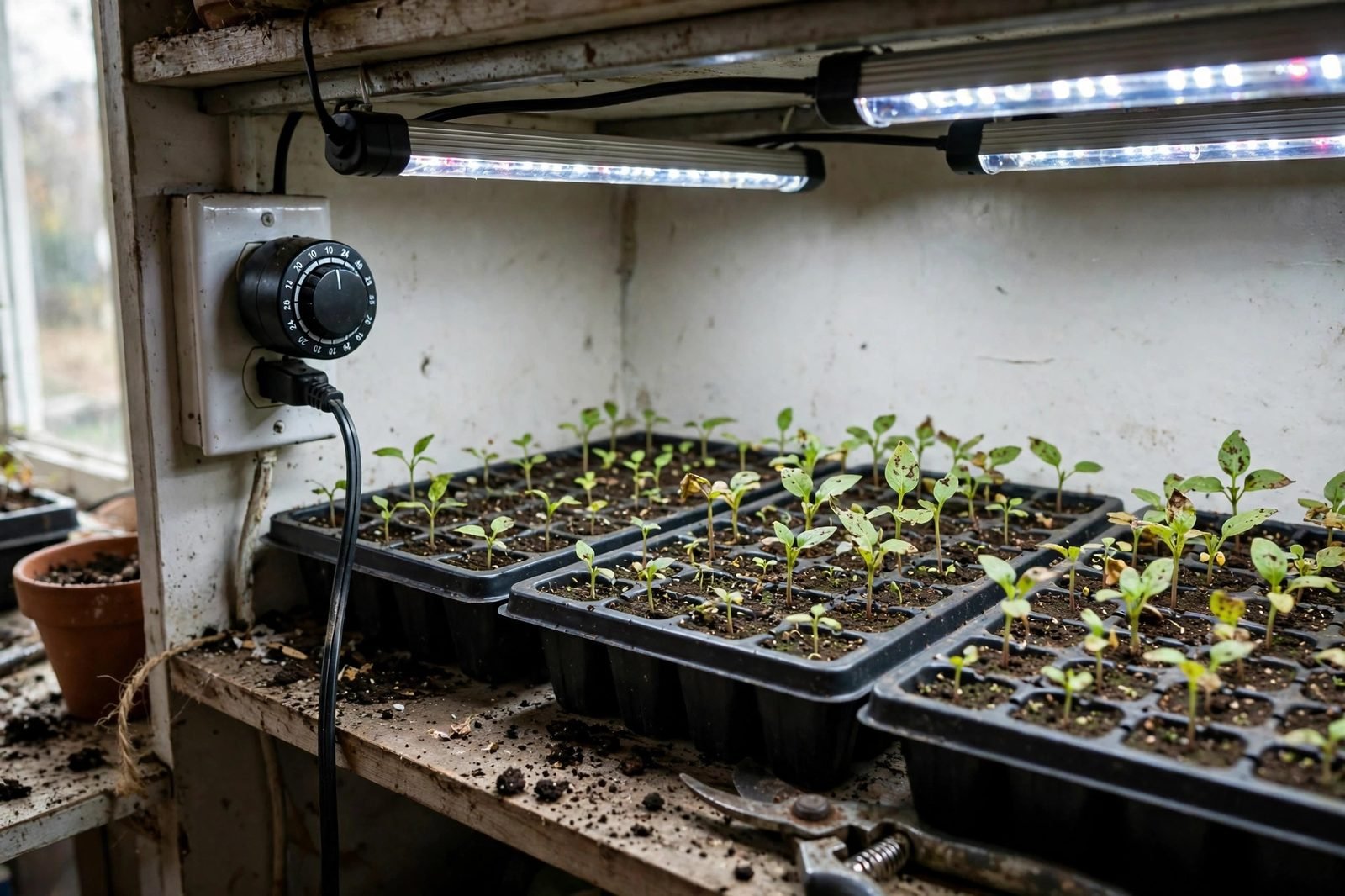
Seedlings need a steady light schedule, and a timer is the simplest way to give them one. Without a timer, lights stay on too long on busy days and too short on days we forget, and plants show it with weak stems and uneven growth. A timer turns lights on and off at the same hours each day, whether we are home or not.
This guide compares three timer forms: a mechanical dial timer, a digital plug-in timer, and a smart plug timer. We have not tested the products linked here, and we do not present any price below as a current store price. Where we give numbers, we state the assumptions in plain text so readers can redo the math with their own wattage and electricity rate.
Three timer forms at a glance
| Form | Setup steps | Schedule flexibility | Power-outage behavior | Best fit |
|---|---|---|---|---|
| Mechanical dial timer | Plug in, turn the dial to the current time, push pins down for on hours | One on-off block per day, in 15- or 30-minute steps | Clock stops during an outage, so the schedule shifts by the outage length | One light on a simple daily schedule |
| Digital plug-in timer | Plug in, set the clock, set on and off times with buttons | Several on-off blocks per day and different times per day of the week on many models | A backup battery keeps the clock on many models, so the schedule holds through a short outage | One light, or one shelf of lights on one outlet, with a changing schedule |
| Smart plug timer | Plug in, connect to Wi-Fi through an app, set the schedule in the app | Several schedules, sunrise and sunset timing on some models, and control from a phone | Clock comes from the internet, so the schedule resumes after power returns once Wi-Fi is back | A shelf of lights, or lights we want to control from a phone |
Start with the schedule, not the timer. Most seedlings do well with 14 to 16 hours of light per day, and our guide to how long grow lights should stay on for seedlings covers hours by plant stage.
Mechanical dial timer
A mechanical dial timer is a round dial with pins around the edge. We plug it into an outlet, plug the light into the timer, turn the dial to the current time, and push down the pins for the hours we want the light on. The dial turns once per day, and the pins flip the light on and off as they pass the switch. That is the whole setup: no app, no battery, and no buttons.
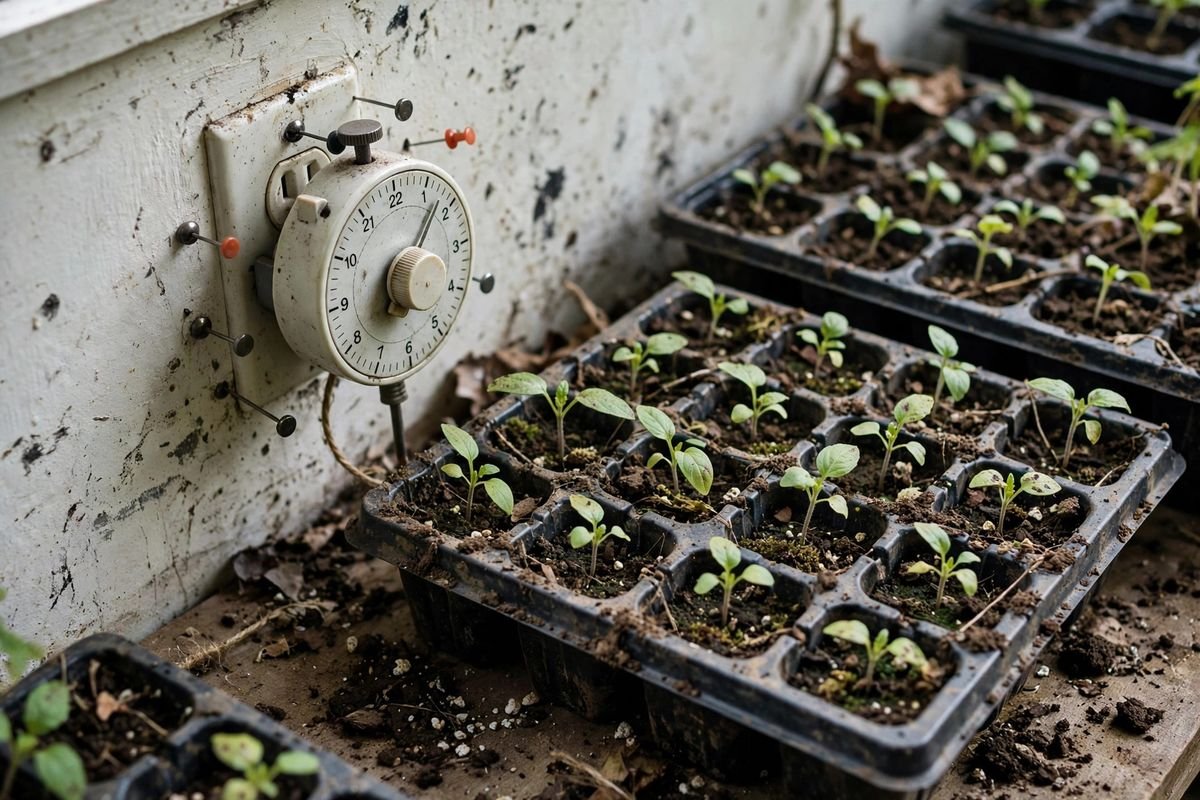
The strengths of a dial timer are simplicity and low cost: it works for one light on one daily schedule, year after year, with no software to update. The limits are one schedule block per day and outage drift. A dial timer gives one on block and one off block per day, in 15-minute or 30-minute steps, so it cannot give a morning block and a separate evening block. During a power outage, the dial stops turning, so the schedule shifts later by the outage length until we reset the dial. After any outage, check the dial against a clock and turn it back to the right time. Search listings for a mechanical timer for grow lights and confirm pin step size, outlet count, and watt rating.
Digital plug-in timer
A digital plug-in timer replaces the dial with a small screen and buttons. We plug it in, set the clock, and set on and off times with the buttons. Many models hold several on-off blocks per day and different times for different days of the week, so one timer can run a long day for tomatoes and a shorter day for lettuce if we need that split.
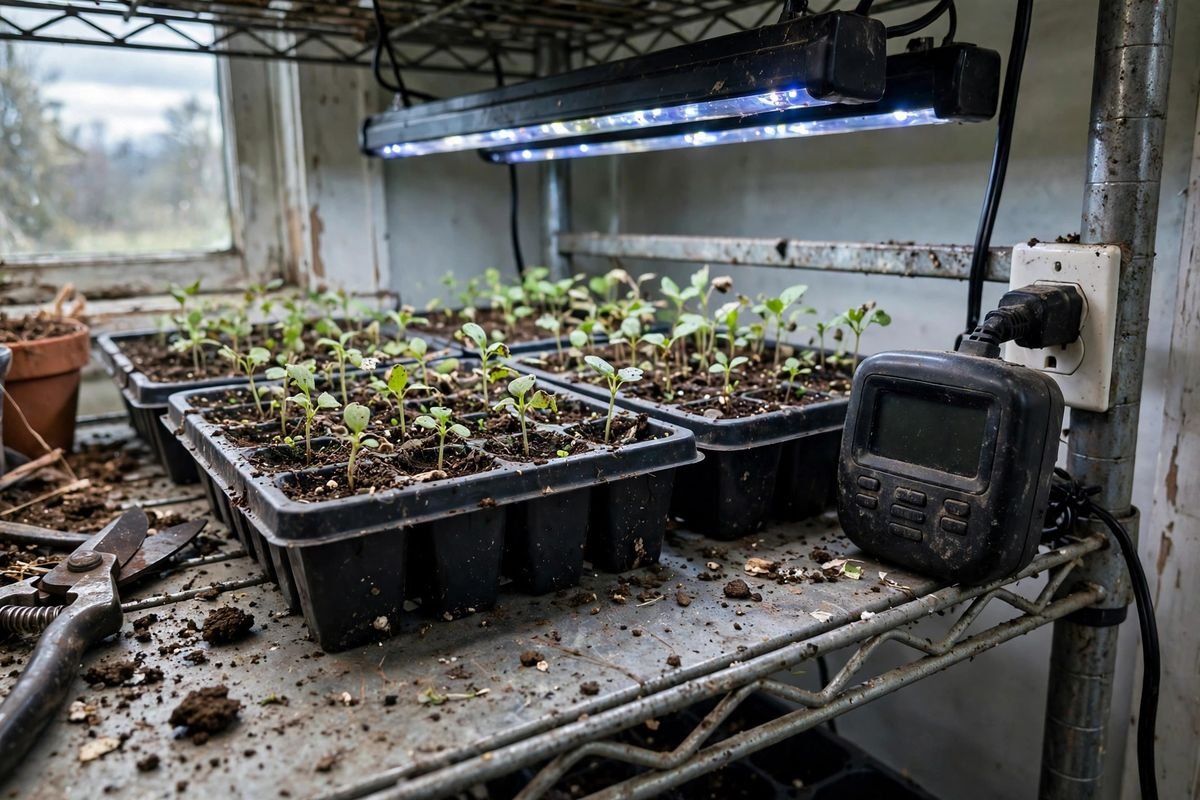
The strengths of a digital timer are exact times and a backup battery on many models: we set on at 6:00 and off at 22:00 to the minute, and the battery keeps the clock during a short outage, so the schedule holds when power returns. The limits are button setup and one outlet per timer. Setting several blocks takes a few minutes with the buttons. One digital timer runs one outlet, so a shelf with two light bars on two outlets needs two timers or a power strip on one timer, with the strip load kept within the timer watt rating. Check the listing for battery backup before buying, since not every digital timer has one. Search listings for a digital plug-in timer for grow lights and confirm on-off block count, battery backup, and watt rating.
Smart plug timer
A smart plug timer is a plug we control from a phone app over Wi-Fi. We plug it in, connect it to Wi-Fi through the app, and set the schedule there. Schedules can run several blocks per day, change by day of the week, and follow sunrise and sunset on some models, and we can turn lights on or off from the phone when away from the shelf.
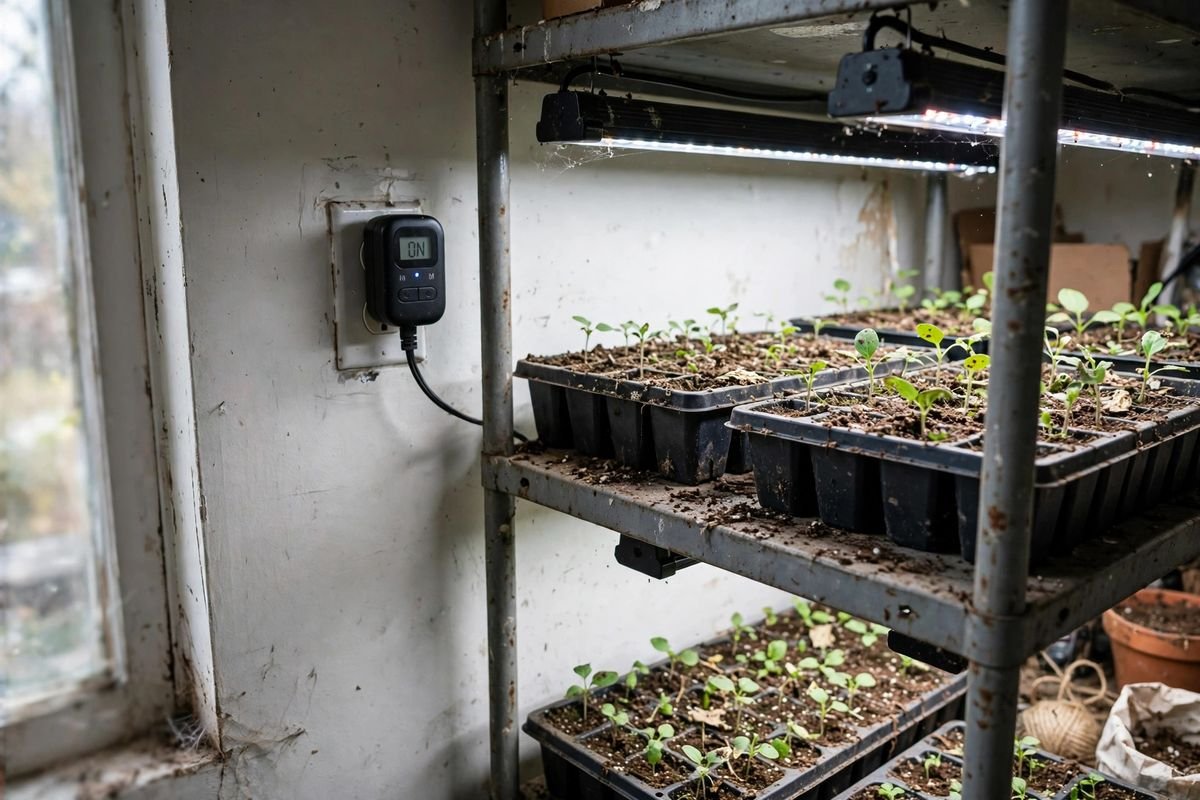
The strengths of a smart plug are phone control and schedule depth: we change a schedule without kneeling at the shelf, and we can check whether lights are on from another room. The limits are Wi-Fi and app setup. A smart plug needs a steady Wi-Fi signal at the shelf, and changing a schedule needs the app and a phone. During a power outage, the plug loses power like any other timer, and the schedule resumes once power and Wi-Fi return, since the clock comes from the internet. If Wi-Fi stays down after power returns, the plug may not run its schedule until Wi-Fi comes back, so check the listing for offline behavior before buying. A smart plug also suits a shelf of lights: one plug can run a power strip of light bars, as long as total watts stay within the plug rating. Our guide to how to set up grow lights on a shelving unit covers cord routing and outlet loads for a shelf with more than one light. Search listings for a smart plug timer for grow lights and confirm Wi-Fi band, app requirements, and watt rating.
Worked example: what a timer saves in one season
Take one 40-watt grow light, running 16 hours a day for 90 days, at $0.17 per kilowatt-hour. Divide 40 by 1,000 to get 0.04 kilowatts. Multiply 0.04 by 16 hours and 90 days to get 57.6 kilowatt-hours for the season, and multiply 57.6 by $0.17 to get $9.79 in electricity for the season with a timer. The timer itself draws a small amount of power, and we leave that out of this math, so treat $9.79 as the light cost alone.
Now take the same light left on 24 hours a day for 90 days. Multiply 0.04 by 24 hours and 90 days to get 86.4 kilowatt-hours, and multiply 86.4 by $0.17 to get $14.69 for the season. The timer saves $14.69 minus $9.79, which is $4.90 per light per season, and it also gives seedlings a dark period each night. A shelf with three 40-watt lights saves three times that amount, or $14.70 per season, under the same hours, days, and rate.

Hours matter as much as watts. A light left on around the clock does not grow seedlings faster, and it costs more while giving plants no dark period. A timer holds the hours steady, and steady hours give steadier growth. Our guide to best grow lights for seedlings covers light forms for a first indoor setup.
How to choose
Choose a mechanical dial timer if we run one light on one daily schedule, want the lowest fuss setup, and can reset the dial after a power outage. Choose a mechanical dial timer if we do not want an app or buttons in the setup.
Choose a digital plug-in timer if we need several on-off blocks per day, want exact minute settings, and want a backup battery to hold the schedule through a short outage. Choose a digital plug-in timer if we run one light or one shelf of lights on one outlet and do not need phone control.
Choose a smart plug timer if we run a shelf of lights on one plug, want to change schedules from a phone, and have steady Wi-Fi at the shelf. Choose a smart plug timer if we want sunrise and sunset timing or control from another room. Start with the hours seedlings need, then pick the form that holds those hours with the least daily fuss.
Sources & Further Reading
University of Minnesota Extension, Starting seeds indoors: https://extension.umn.edu/planting-and-growing-guides/starting-seeds-indoors
North Carolina State Extension, Extension Gardener Handbook Chapter 13 Propagation: https://content.ces.ncsu.edu/extension-gardener-handbook/13-propagation